
Enrollment
Reach out with any questions about enrolling your child in our Pre-K programs
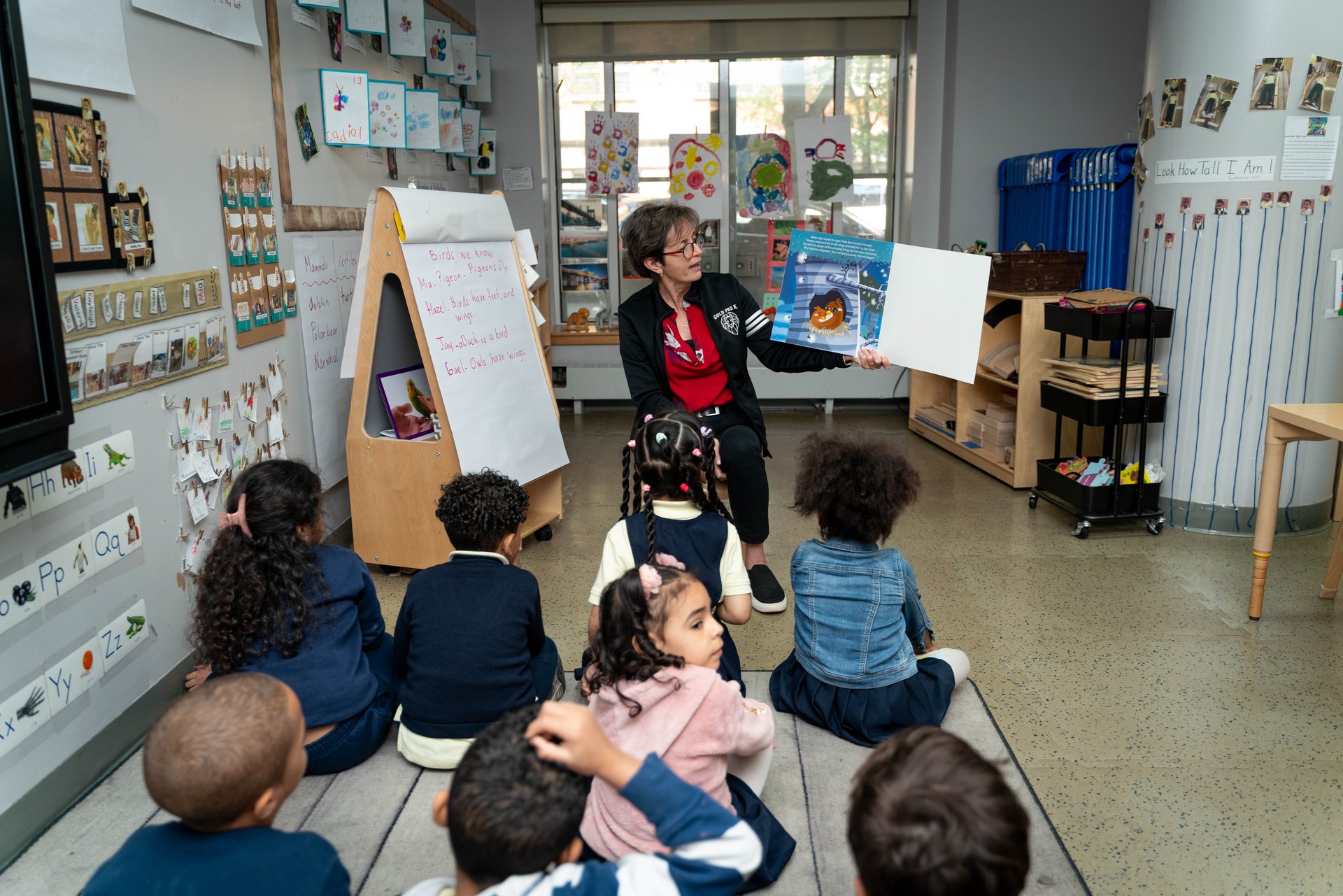
How to Apply
Apply Online
During 3-K, pre-K, and kindergarten application periods, families can use MySchools to apply online, explore programs, manage waitlists, and get their offer.
Visit MySchools.nycEnrollment Process
Visit MySchools.nyc to create an account
Browse and add schools to your application
Submit your application during the enrollment period
Check for waitlists and receive your offer
Complete registration at your assigned school
Moving Up
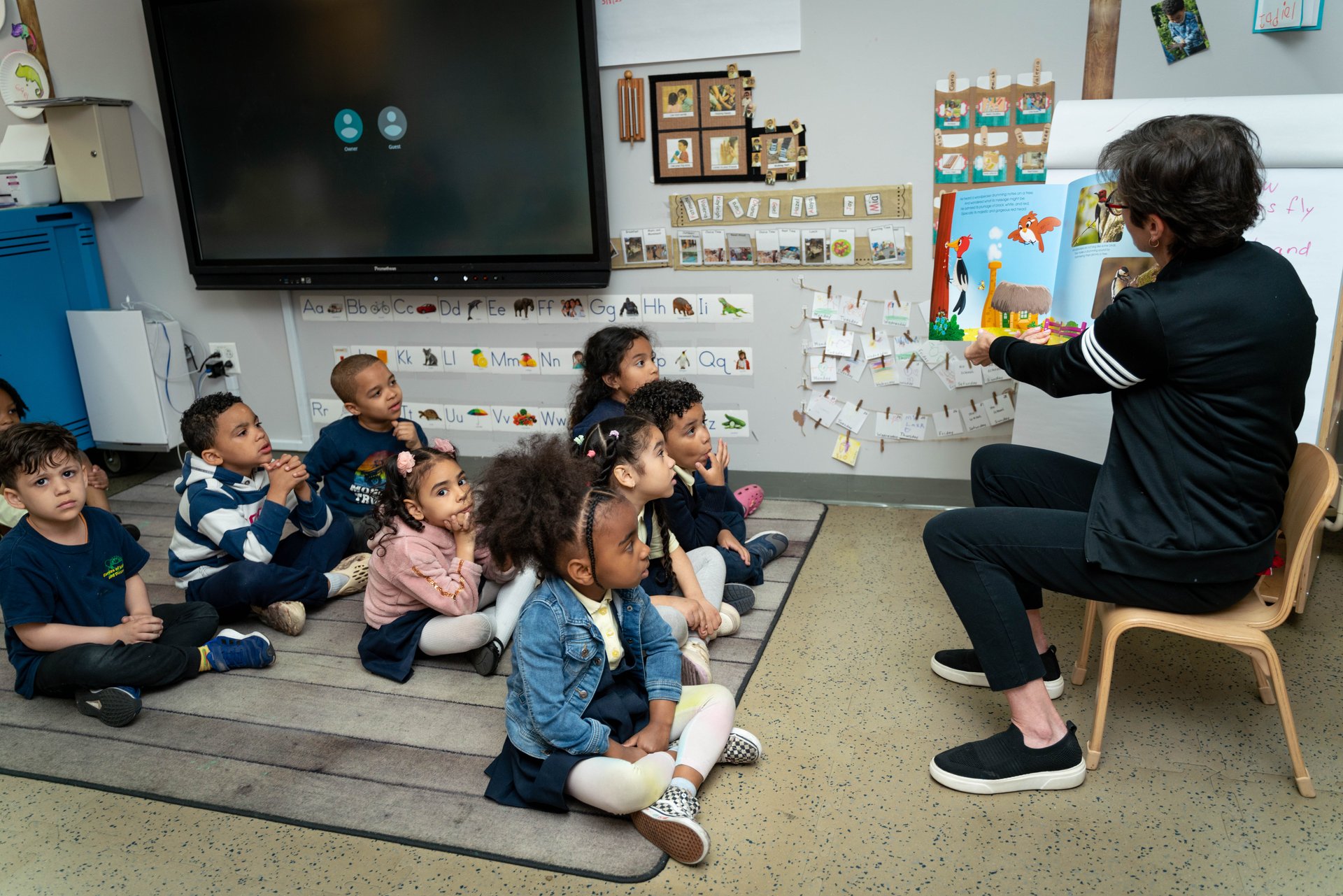
Kindergarten
Learn about the transition from Pre-K to Kindergarten and find resources to help prepare your child for the next step.
Kindergarten Walk ThroughNearby Schools
Search for elementary schools in your neighborhood and find your zoned school for kindergarten enrollment.
Find Your Zone SchoolJoin Our Waitlist
Interested in enrolling your child at GoLD but spots are full? Join our waitlist and we'll contact you when spaces become available.
Complete Waitlist FormNeed Help with Enrollment?
Our staff is here to assist you through the enrollment process. Contact us with any questions.